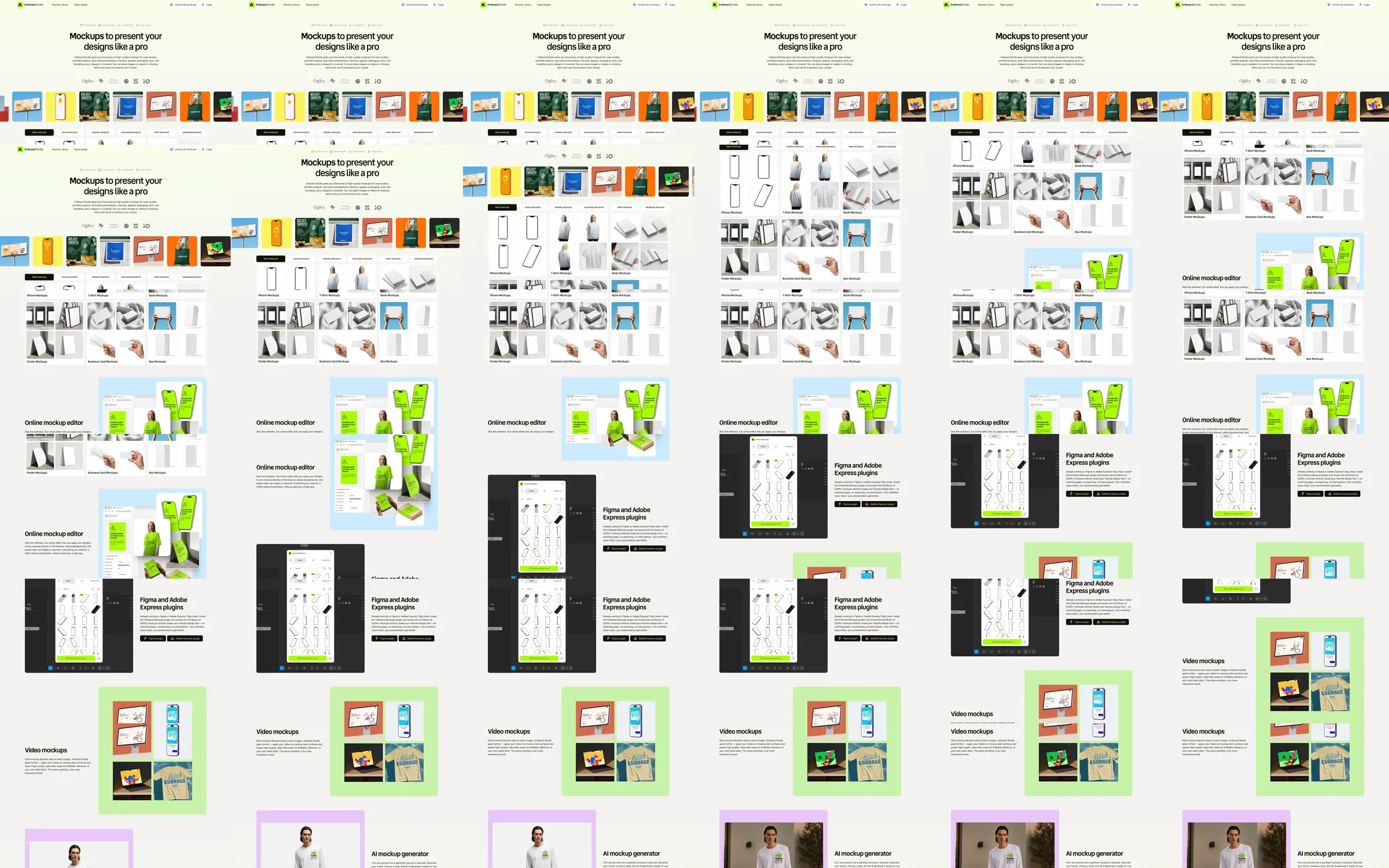
Artboard Studio introduces its mockup library with a centered headline on a pale canvas. Bright device and packaging tiles lead into Figma, editor and video-mockup examples, using lime and lavender panels to distinguish the workflows.
1. Centered mockup-library introduction. 2. Category controls and mockup previews. 3. Figma plugin explanation. 4. Online editor example. 5. Figma and Adobe workflow panels. 6. Video-mockup examples. 7. Portrait and generator examples.
Colorful previews demonstrate the output immediately, while the pale background keeps the library easy to scan. Alternating plugin and editor explanations makes the range of access points understandable.
Refero [style page](https://styles.refero.design/style/989d8d71-c161-4410-8157-ad6ade0bd4be) and [recorded video](https://images.refero.design/styles/refero.design/video/ea4eb2cf-1b43-41bb-a00e-e0885a29a565.mp4); [live site](https://artboard.studio/) checked on 2026-10-05. The recording is a point-in-time reference; current site content may differ. Descriptions distinguish the recording from the current page where they differ. Layout and motion notes come from sampled recording frames and automated live captures; interactive controls were not comprehensively tested. The live page retains the pale mockup catalog. Category tags describe examples on the landing page; mockup editing, plugin installation and signup were not performed.