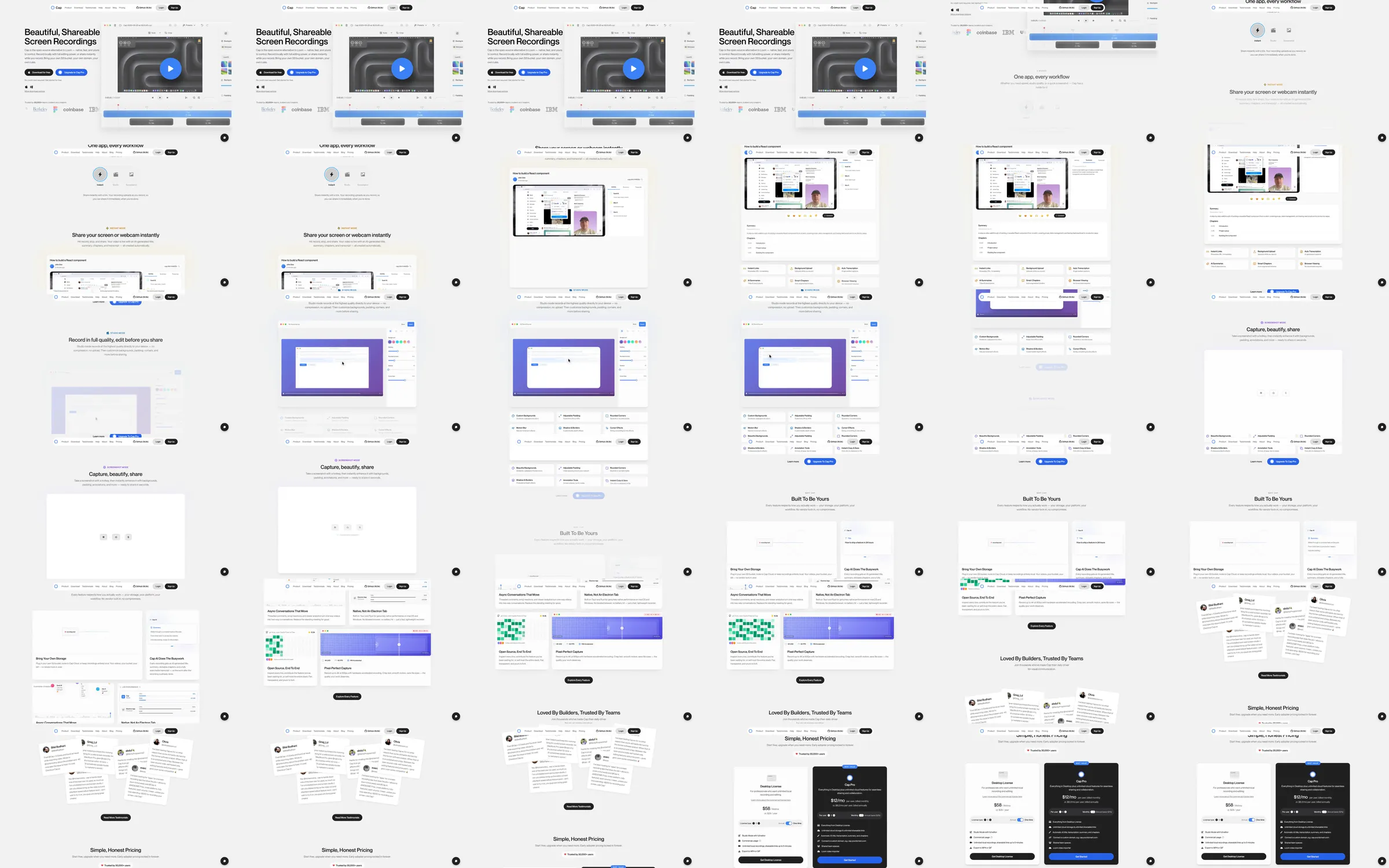
The recorded Cap page uses a white split introduction with a large shareable recording window. Compact interface demos explain sharing, customization and quality settings before layered testimonials and a contrasting pricing section.
1. Split screen-recorder introduction. 2. Large recording preview. 3. Instant sharing explanation. 4. Customization interface. 5. Recording-quality features. 6. Team-oriented benefits. 7. Layered testimonials. 8. Pricing comparison.
Large familiar application windows make the recorder easy to understand. Repeating the white-and-violet interface treatment keeps the feature sequence cohesive, while layered testimonials give the lower page a different visual rhythm.
Refero [style page](https://styles.refero.design/style/08c0ead0-1899-47b4-bfdc-865ab459bbe5) and [recorded video](https://images.refero.design/styles/refero.design/video/847035bc-9d01-4cad-a979-dd602e538233.mp4); [live site](https://cap.so/) checked on 2026-10-05. The recording is a point-in-time reference; current site content may differ. Descriptions distinguish the recording from the current page where they differ. Layout and motion notes come from sampled recording frames and automated live captures; interactive controls were not comprehensively tested. The current introduction uses a cloudy scene and a record/edit/share message with mode tabs. Those tabs were observed but not operated. No recorder was downloaded, installed or used.