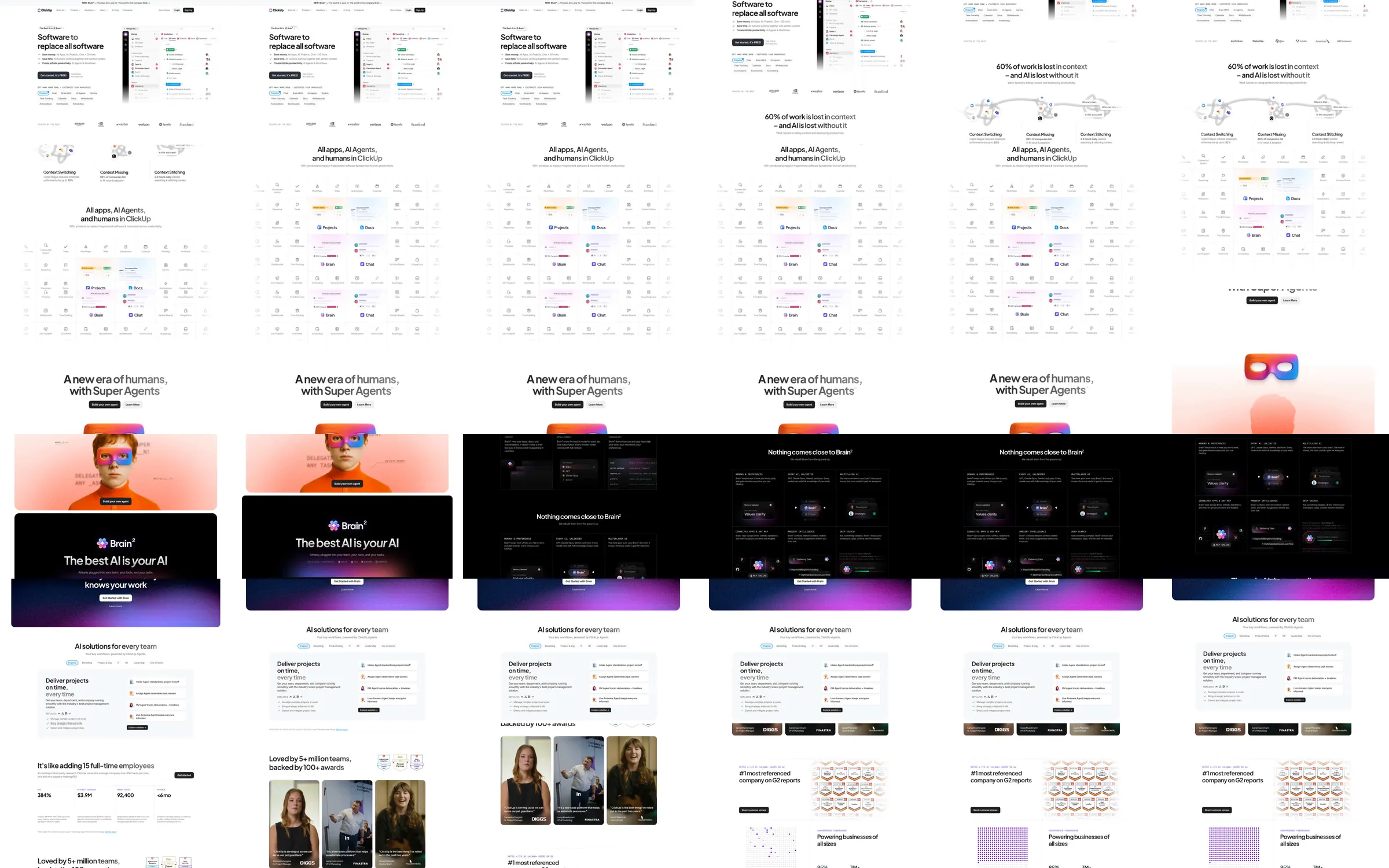
A productivity platform presents an ambitious centered proposition above a broad task interface. The recording follows with a dense app-and-agent overview, colorful character imagery, a dark AI region, operational feature panels, customer portraits, and integration or organization proof.
1. Centered proposition and task-interface preview. 2. App and agent overview. 3. Character-led AI introduction. 4. Dark AI capability region. 5. Operational workflow panels and customer stories. 6. Integration proof and closing information.
The interface preview gives a concrete anchor to a broad platform promise. Shifts into dark AI and warm portrait regions break up a long, information-dense page while preserving a compact software typography system.
Refero [style page](https://styles.refero.design/style/efcb73cb-b84a-4ae7-9a2b-e1116f79f130) and [recorded video](https://images.refero.design/styles/refero.design/video/f4fc45bf-cf41-4fa9-8474-d431ceb3e1a5.mp4); [live site](https://www.clickup.com/) checked on 2026-10-04. The recording is a point-in-time reference; current site content may differ. Descriptions distinguish the recording from the current page where they differ. Layout and motion notes come from sampled recording frames and automated live captures; interactive controls were not comprehensively tested.