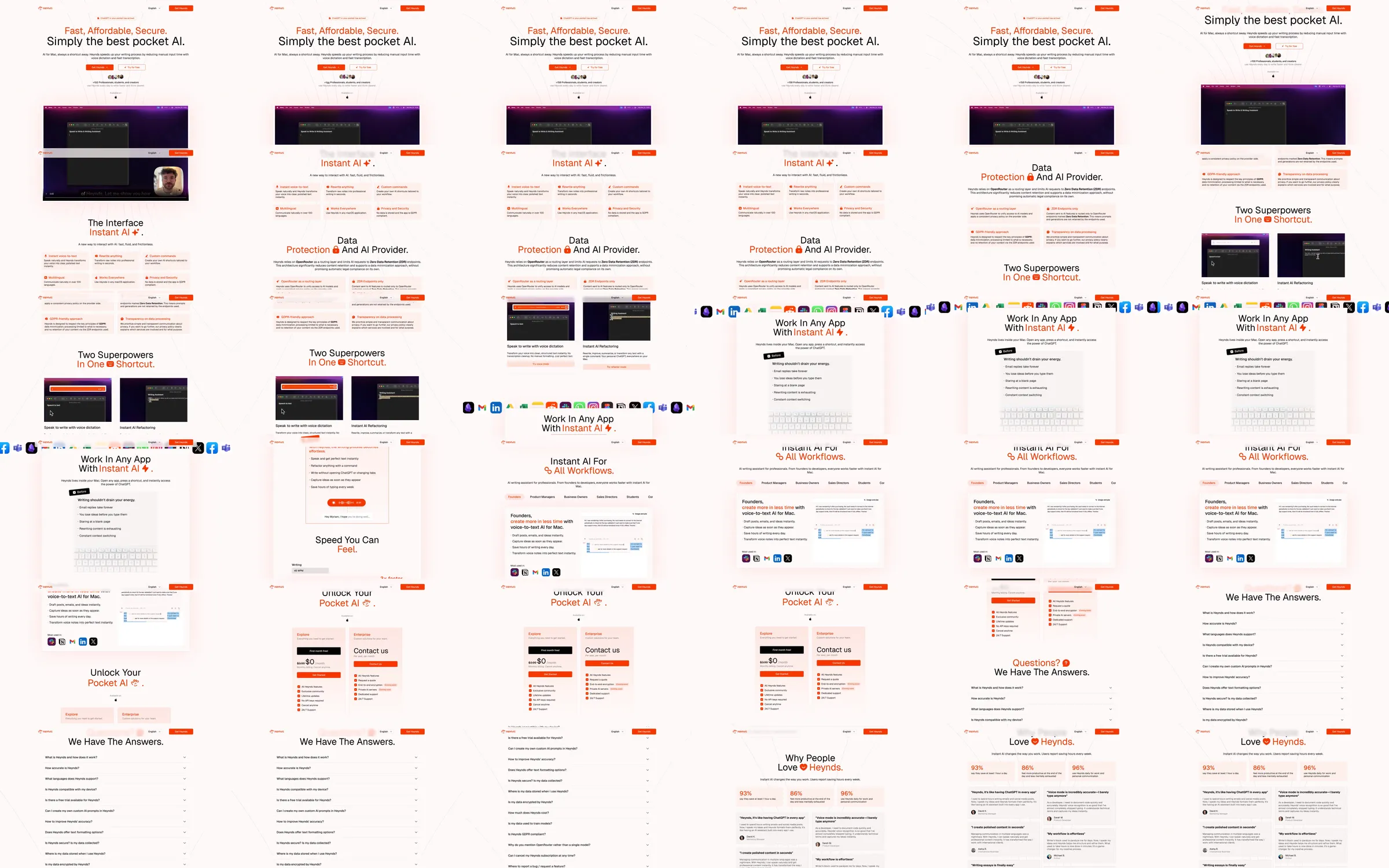
The recorded Heynds page presents an AI-shortcut product on a pale warm canvas with orange labels and a dark desktop example. Paired command windows, application logos and compact practical sections explain the product before pricing, questions and user feedback.
1. Compact AI-shortcut introduction. 2. Desktop command-window example. 3. Interface and data-handling explanation. 4. Paired shortcut demonstrations. 5. Application-logo strip. 6. Workflow features. 7. Pricing and contact cards. 8. FAQ and testimonials.
Orange labels create a consistent hierarchy among the small text sections. Dark desktop windows make the shortcut interface readable against the pale canvas, and paired examples connect the abstract AI promise to familiar application tasks.
Refero [style page](https://styles.refero.design/style/7027ecd6-41d9-4bc6-b919-3df5c573b950) and [recorded video](https://images.refero.design/styles/refero.design/video/7f7ff45d-177f-404f-be0d-a9c699d1c117.mp4); [live site](https://www.heynds.com/en) checked on 2026-10-05. The recording is a point-in-time reference; current site content may differ. Descriptions distinguish the recording from the current page where they differ. Layout and motion notes come from sampled recording frames and automated live captures; interactive controls were not comprehensively tested. The current page serves a substantially different dark opening with the same pocket-AI positioning. The light palette describes the Refero recording. Voice dictation, transformations and app installation were not tested.