← back to the gallery
CVGEN: cloud-scene résumé generator landing
- Tier
- inspiration
- Roles
- hero, feature, process, proof, faq, closing, footer
- Feel
- light, premium, saas, cold
- Motion
- pan, reveal, marquee
- Source
- public-site
- Site
- https://jiro.build/preview/template/education-careers/ai-cv-generator-landing-page-cvgen
- Licence
- Public Jiro template preview; inspiration only. Retained images and short preview excerpts are visual-reference evidence; template code/assets are not imported or licensed for reuse.
- Captured
- 2026-10-14
- Captures
- frames: https://cdn.jiro.build/CVGEN/Video/AI%20CV%20Generator%20Landing%20Page%20Video.mp4
both: https://jiro.build/preview/template/education-careers/ai-cv-generator-landing-page-cvgen
What it does
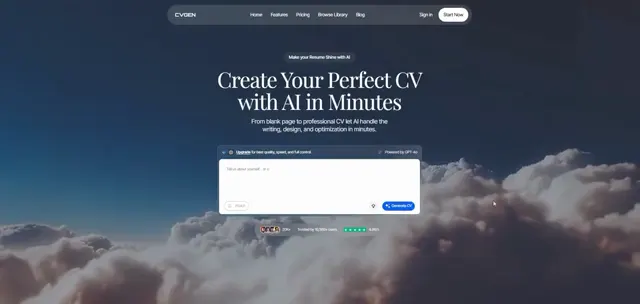
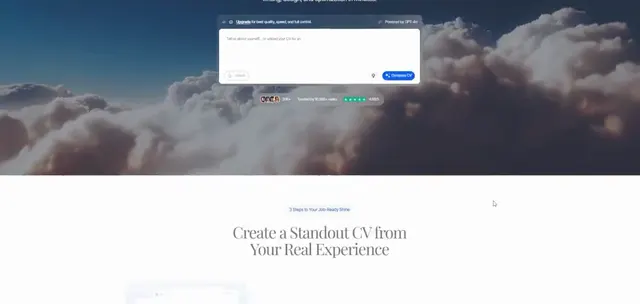
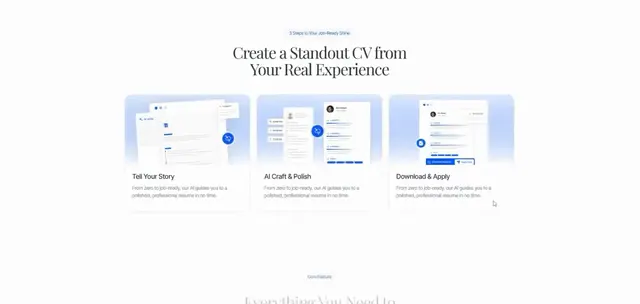
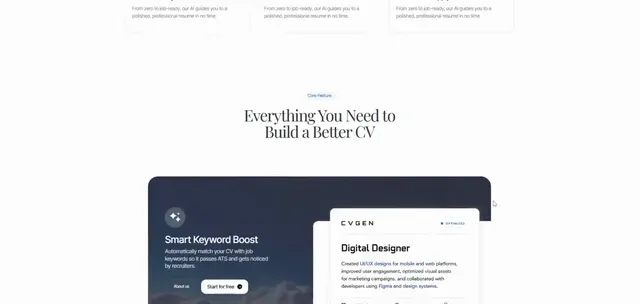
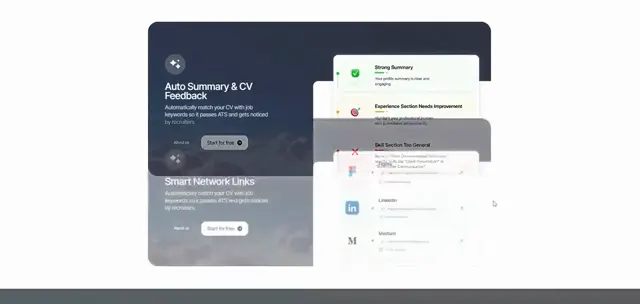
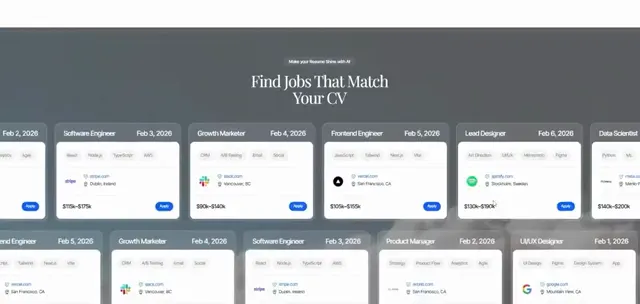
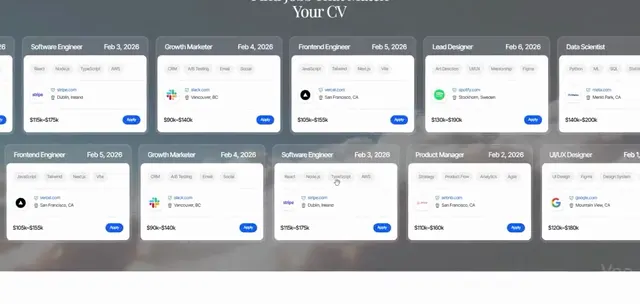
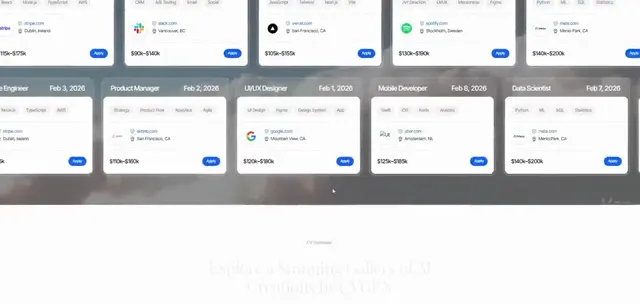
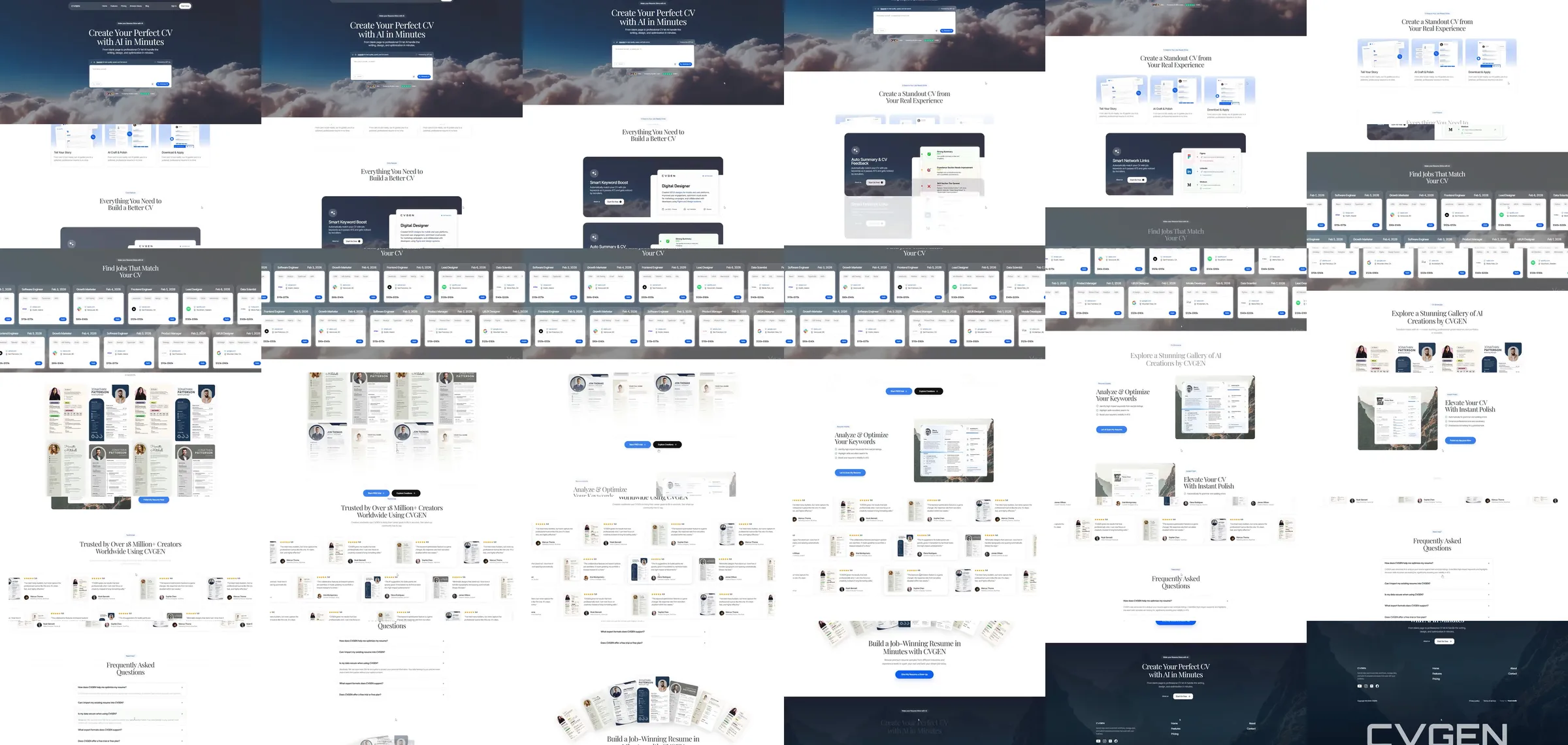
Jiro template reference. An airy cloud-and-mountain scene frames a centered résumé generation form. White and blue-gray sections feature builder screenshots, a horizontal template gallery, a résumé gallery with portrait layouts, repeated document previews, keyword optimization and a dark mountain closing scene.
Section roster
1. Cloud-scene generator hero. 2. Document builder demonstration. 3. Feature interface panel. 4. Horizontal résumé template gallery. 5. Portrait-layout résumé gallery. 6. Document feature examples. 7. Keyword optimization and résumé polish. 8. Questions. 9. Mountain closing CTA. 10. Footer.
Why it works
Cloud imagery gives the opening depth while white document previews keep the page grounded in its practical task. Repeated résumé silhouettes tie the builder, gallery and optimization sections together.
Source capture notes
[Jiro template page](https://jiro.build/templates/education-careers/ai-cv-generator-landing-page-cvgen), [public live preview](https://jiro.build/preview/template/education-careers/ai-cv-generator-landing-page-cvgen), and [original preview video](https://cdn.jiro.build/CVGEN/Video/AI%20CV%20Generator%20Landing%20Page%20Video.mp4); checked on 2026-10-14. Capture 1 samples 36 frames from the supplied preview recording. Capture 2 measures and samples the public template preview itself, excluding catalogue navigation, with a fresh 390px mobile screenshot. A 15-second motion excerpt at original playback speed with eight timestamped evidence frames is associated with capture 1.
Product controls, prices, numerical claims and customer identities are demonstration content; their underlying functionality was not tested.
These are template demonstrations and visual references, not verified businesses or services. No template source code was imported. Exact easing, trigger timing and reduced-motion behavior were not measured.