← back to the gallery
FeedStack: peach feedback SaaS with modular boards and moving integration icons
- Tier
- inspiration
- Roles
- hero, explainer, feature, footer, offer, faq, process, closing
- Feel
- light, saas, warm
- Motion
- pan, reveal, tabs, drift, marquee
- Source
- public-site
- Site
- https://jiro.build/preview/template/marketing-sales/ai-feedback-management-landing-page-feedstack
- Licence
- Public Jiro template preview; inspiration only. Retained images and short preview excerpts are visual-reference evidence; template code/assets are not imported or licensed for reuse.
- Captured
- 2026-10-14
- Captures
- frames: https://cdn.jiro.build/Fable/Thumb/Full%20Page%20overview.mp4
both: https://jiro.build/preview/template/marketing-sales/ai-feedback-management-landing-page-feedstack
What it does
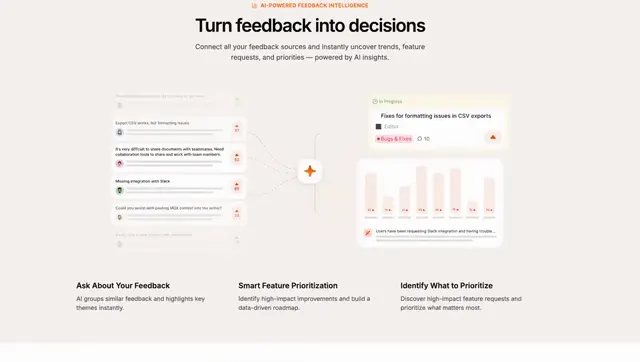
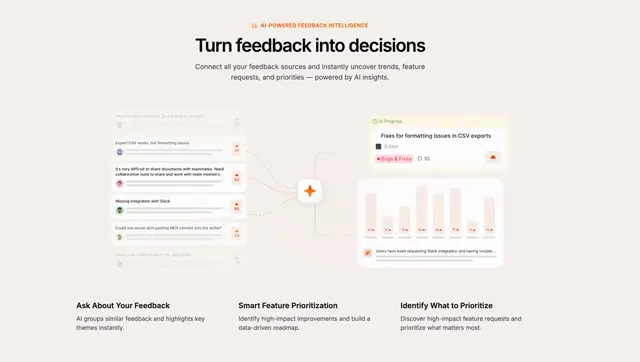
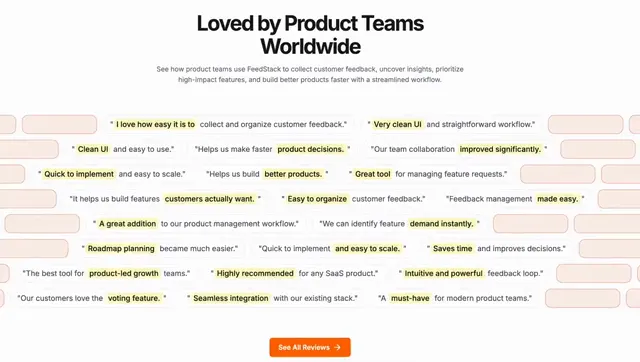
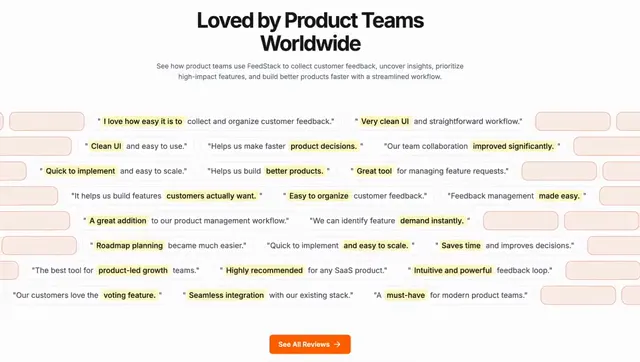
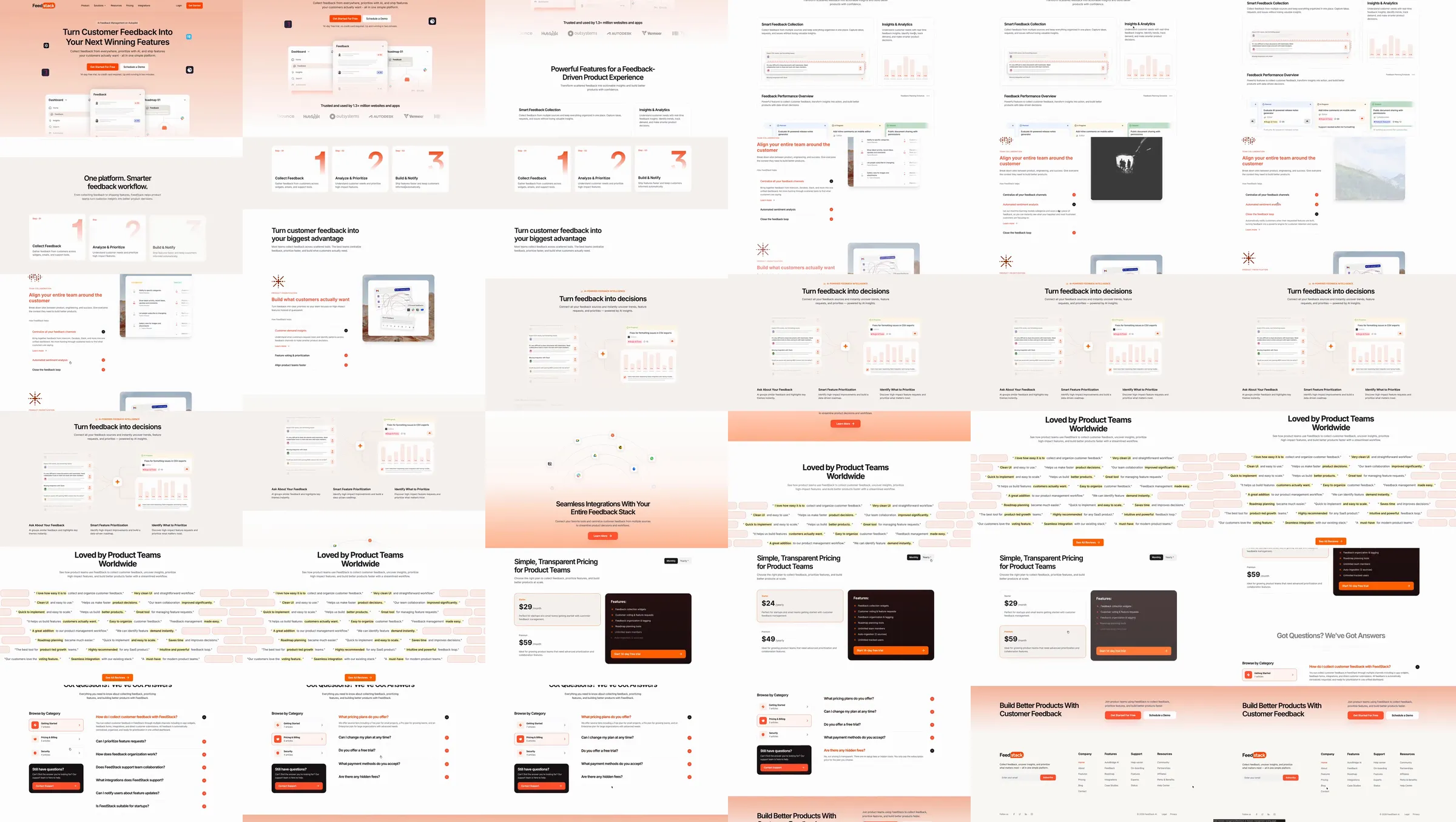
Jiro template reference. A peach feedback-board introduction leads to pale modular features and three numbered workflow steps. Tool examples and comparison panels sit above a moving field of integration icons. Customer text, pricing and FAQs close with another peach product chapter.
Section roster
1. Peach feedback-board hero. 2. Feature cards. 3. Three workflow steps. 4. Feedback tool examples. 5. Comparison panels. 6. Integration icon field. 7. Moving customer text. 8. Pricing. 9. FAQ. 10. Peach closing and footer.
Why it works
Peach highlights give feedback boards a warm setting while numbered steps and aligned comparison panels make the workflow easy to scan.
Source capture notes
[Jiro template page](https://jiro.build/templates/marketing-sales/ai-feedback-management-landing-page-feedstack), [public live preview](https://jiro.build/preview/template/marketing-sales/ai-feedback-management-landing-page-feedstack), and [original preview video](https://cdn.jiro.build/Fable/Thumb/Full%20Page%20overview.mp4); checked on 2026-10-14. Capture 1 samples 36 frames from the supplied preview recording. Capture 2 measures and samples the public template preview itself, excluding catalogue navigation, with a fresh 390px mobile screenshot. A 15-second motion excerpt at original playback speed with eight timestamped evidence frames is associated with capture 1.
The source strip begins two seconds into the unchanged recording to omit an unrendered startup frame. Feedback sync, analytics and integrations were not verified. Displayed prices, identities and performance claims are template demonstration content. No template code was imported.
These are template demonstrations and visual references, not verified businesses or services. No template source code was imported. Exact easing, trigger timing and reduced-motion behavior were not measured.