← back to the gallery
Invogen: editorial invoice generator landing
- Tier
- inspiration
- Roles
- hero, process, feature, proof, capability, offer, testimonial, faq, closing, footer
- Feel
- light, editorial, minimal, saas, warm
- Motion
- pan, reveal, count
- Source
- public-site
- Site
- https://jiro.build/preview/template/fintech/invoice-generate-tools-landing-page-invogen
- Licence
- Public Jiro template preview; inspiration only. Retained images and short preview excerpts are visual-reference evidence; template code/assets are not imported or licensed for reuse.
- Captured
- 2026-10-14
- Captures
- frames: https://cdn.jiro.build/Invogen/Thum/Invoice%20Generate%20Tools%20Landing%20Page%20Hover%20Video%20-%20Invogen.mp4
both: https://jiro.build/preview/template/fintech/invoice-generate-tools-landing-page-invogen
What it does
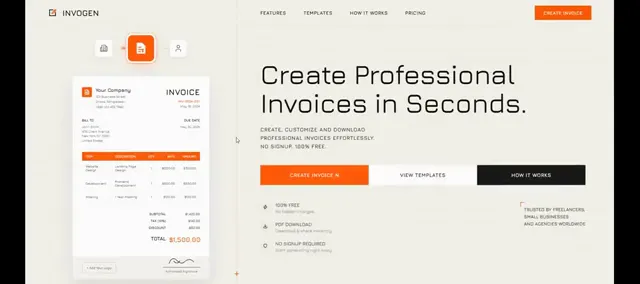
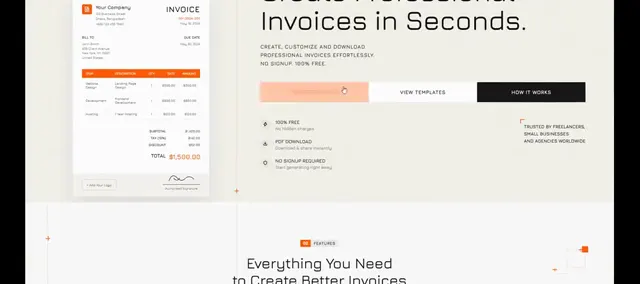
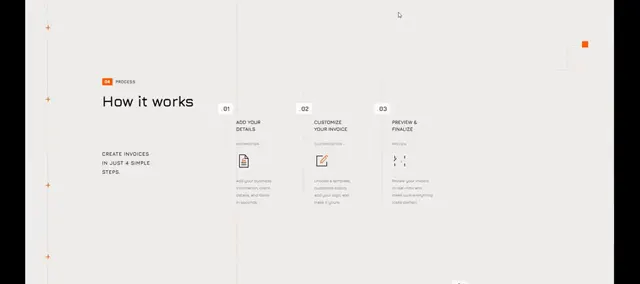
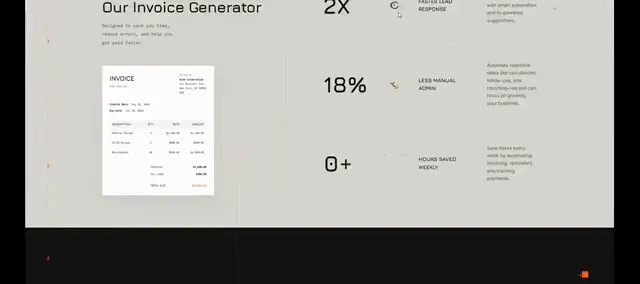
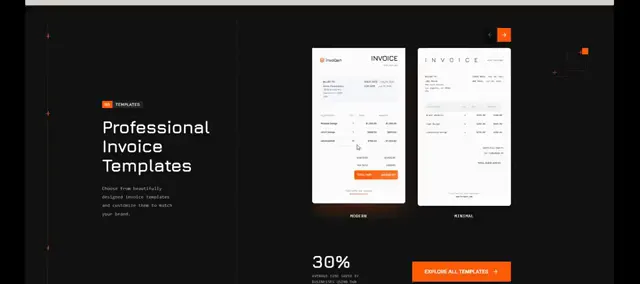
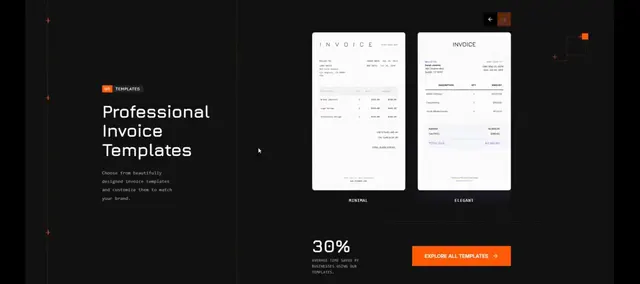
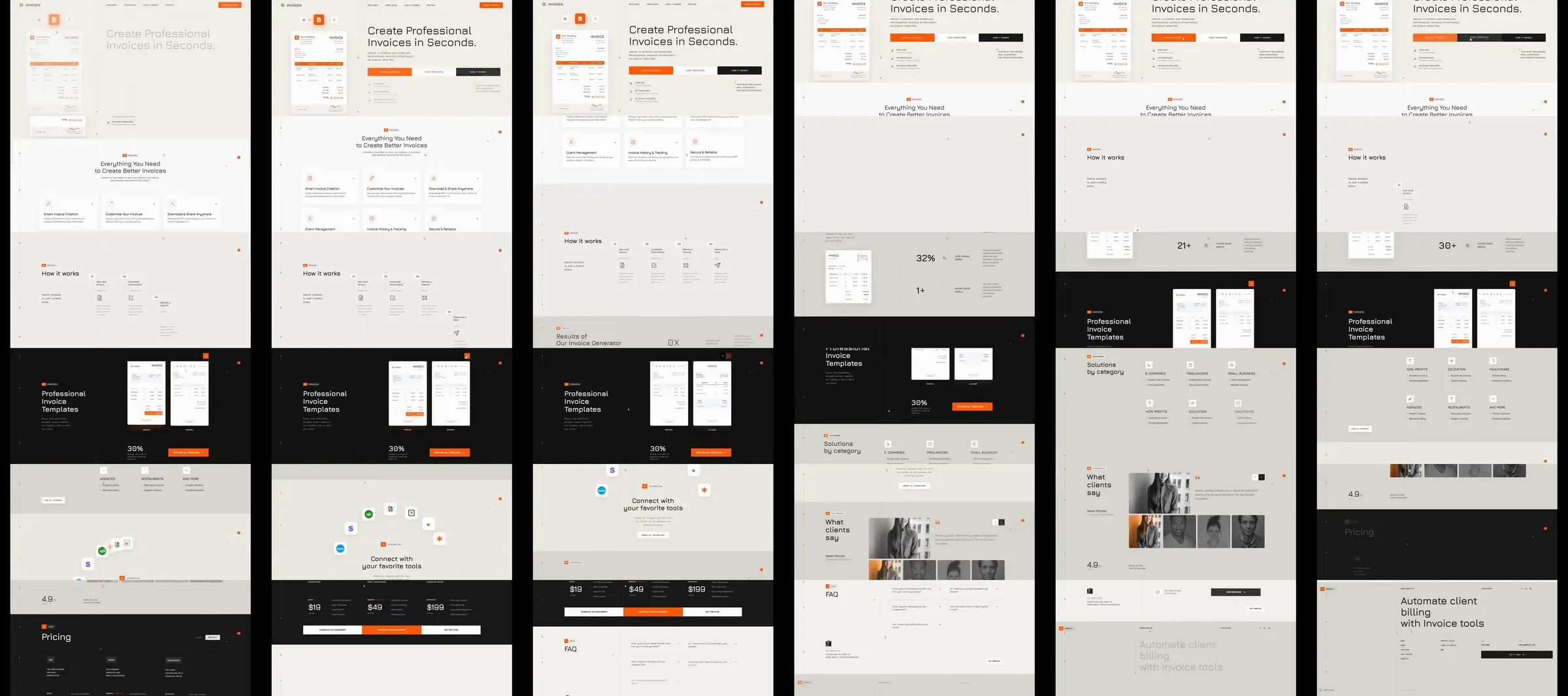
Jiro template reference. An off-white invoice generator places a tall invoice mockup beside an oversized promise and orange primary action. Three-step cards, business metrics, a dark invoice comparison, integrations and pricing extend the visual story.
Section roster
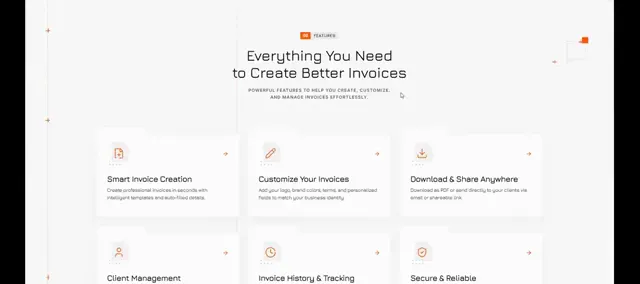
1. Invoice mockup hero. 2. Three-step creation process. 3. Business metrics. 4. Dark invoice transformation panel. 5. Capabilities. 6. Integration symbols. 7. Pricing plans. 8. Customer portraits. 9. Questions. 10. Closing billing CTA. 11. Footer.
Why it works
The tall invoice document stays recognizable across changing backgrounds. Sparse orange accents highlight actions without competing with document detail.
Source capture notes
[Jiro template page](https://jiro.build/templates/fintech/invoice-generate-tools-landing-page-invogen), [public live preview](https://jiro.build/preview/template/fintech/invoice-generate-tools-landing-page-invogen), and [original preview video](https://cdn.jiro.build/Invogen/Thum/Invoice%20Generate%20Tools%20Landing%20Page%20Hover%20Video%20-%20Invogen.mp4); checked on 2026-10-14. Capture 1 samples 36 frames from the supplied preview recording. Capture 2 measures and samples the public template preview itself, excluding catalogue navigation, with a fresh 390px mobile screenshot. A 15-second motion excerpt at original playback speed with eight timestamped evidence frames is associated with capture 1.
Product controls, prices, numerical claims and customer identities are demonstration content; their underlying functionality was not tested.
These are template demonstrations and visual references, not verified businesses or services. No template source code was imported. Exact easing, trigger timing and reduced-motion behavior were not measured.