← back to the gallery
Lightspeed: dark productivity landing with oversized task interfaces
- Tier
- inspiration
- Roles
- hero, feature, capability, offer, faq, closing, footer
- Feel
- dark, minimal, saas, cold
- Motion
- pan, reveal
- Source
- public-site
- Site
- https://jiro.build/preview/template/productivity-automation/ai-task-management-landing-page-lightspeed
- Licence
- Public Jiro template preview; inspiration only. Retained images and short preview excerpts are visual-reference evidence; template code/assets are not imported or licensed for reuse.
- Captured
- 2026-10-14
- Captures
- frames: https://cdn.jiro.build/Lightspeed/Lightspeed%20Hover%20video.mp4
both: https://jiro.build/preview/template/productivity-automation/ai-task-management-landing-page-lightspeed
What it does
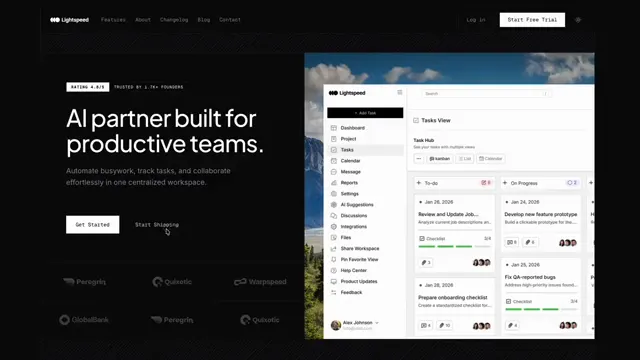
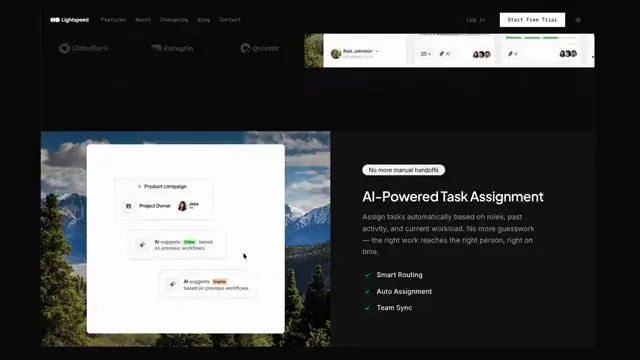
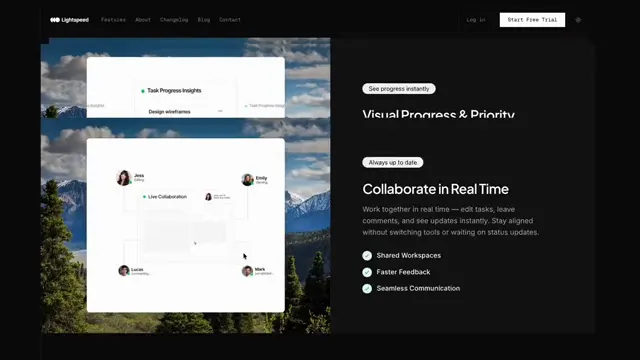
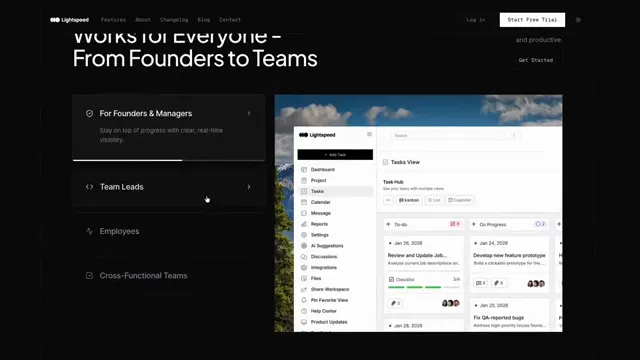
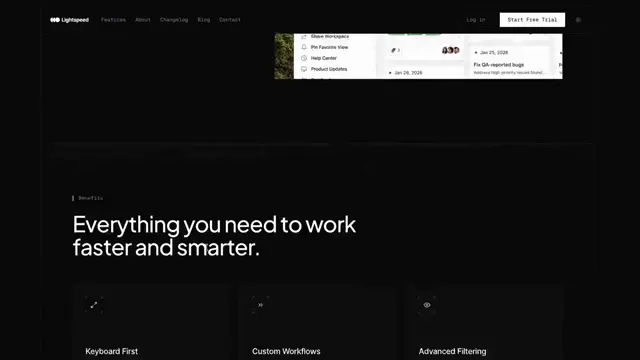
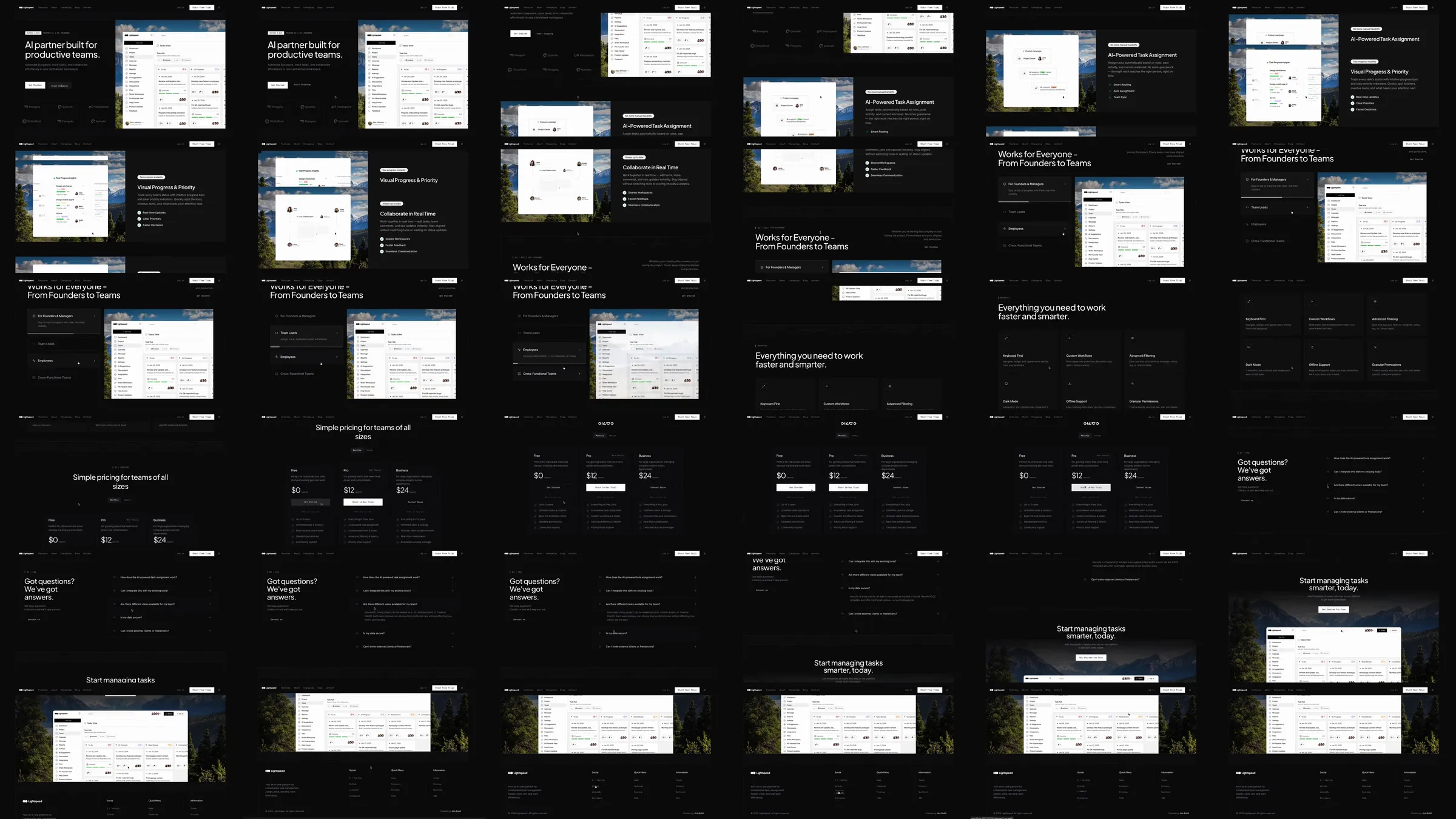
Jiro template reference. A black productivity template pairs a compact headline with a bright task dashboard. Alternating oversized interface windows and feature lists explain project, workflow and team features before three pricing columns, questions and a closing dashboard composition.
Section roster
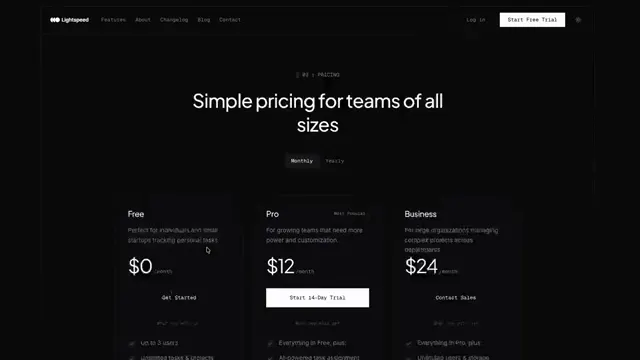
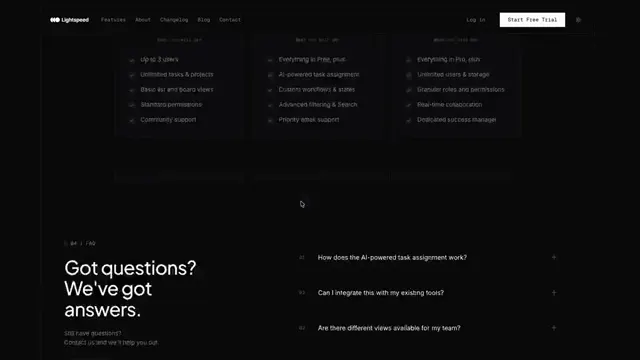
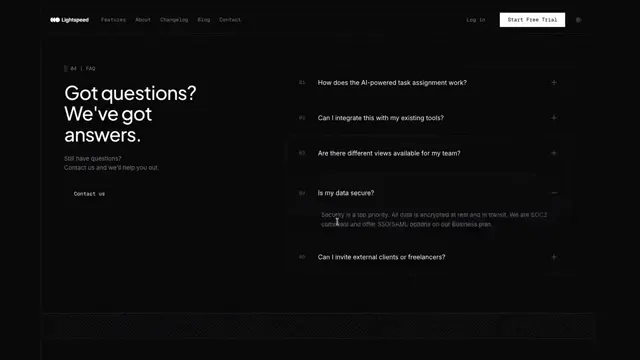
1. Dark split dashboard hero. 2. Project and personal-task panels. 3. Workflow interface panel. 4. Team-use explanation. 5. Capability list. 6. Three pricing plans. 7. Questions. 8. Dashboard closing CTA. 9. Footer.
Why it works
Bright software windows become the primary source of contrast on the black canvas. Repeating the same interface treatment makes varied task features feel like one coherent product.
Source capture notes
[Jiro template page](https://jiro.build/templates/productivity-automation/ai-task-management-landing-page-lightspeed), [public live preview](https://jiro.build/preview/template/productivity-automation/ai-task-management-landing-page-lightspeed), and [original preview video](https://cdn.jiro.build/Lightspeed/Lightspeed%20Hover%20video.mp4); checked on 2026-10-14. Capture 1 samples 36 frames from the supplied preview recording. Capture 2 measures and samples the public template preview itself, excluding catalogue navigation, with a fresh 390px mobile screenshot. A 15-second motion excerpt at original playback speed with eight timestamped evidence frames is associated with capture 1.
Product controls, prices, numerical claims and customer identities are demonstration content; their underlying functionality was not tested. At 390px the large headline wraps into four lines, while the supporting sentence extends beyond the visible right edge; this is retained as an observed template limitation.
These are template demonstrations and visual references, not verified businesses or services. No template source code was imported. Exact easing, trigger timing and reduced-motion behavior were not measured.