← back to the gallery
Luma: black voice-AI landing with red audio interfaces
- Tier
- inspiration
- Roles
- hero, feature, capability, process, testimonial, faq, footer
- Feel
- dark, saas, minimal, cold
- Motion
- pan, reveal
- Source
- public-site
- Site
- https://jiro.build/preview/template/ai-creative-media-tools/ai-voice-platform-landing-page-luma
- Licence
- Public Jiro template preview; inspiration only. Retained images and short preview excerpts are visual-reference evidence; template code/assets are not imported or licensed for reuse.
- Captured
- 2026-10-14
- Captures
- frames: https://cdn.jiro.build/Luma/Video/AI%20Voice.mp4
both: https://jiro.build/preview/template/ai-creative-media-tools/ai-voice-platform-landing-page-luma
What it does
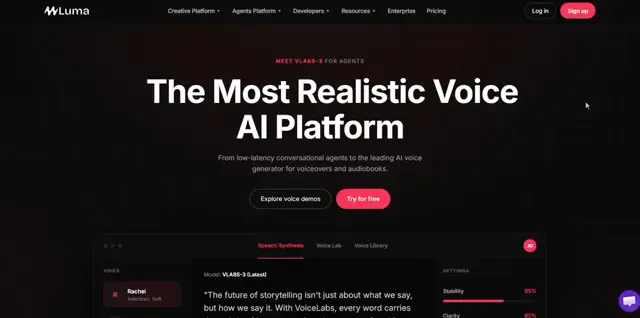
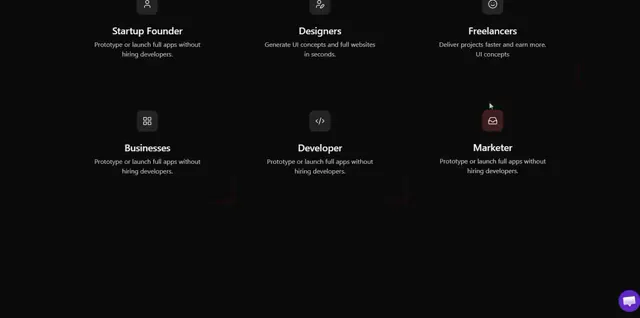
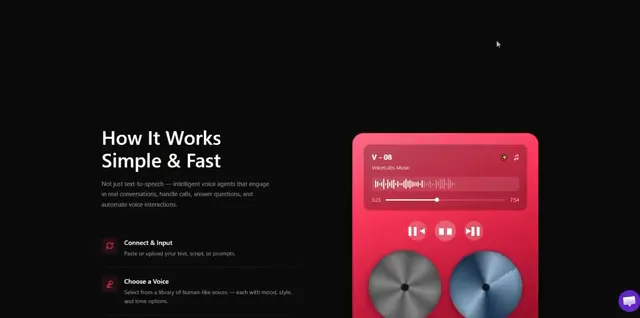
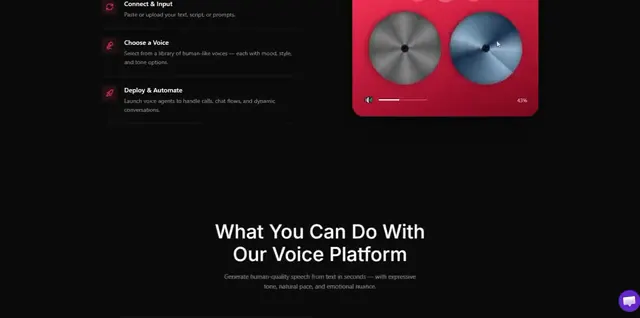
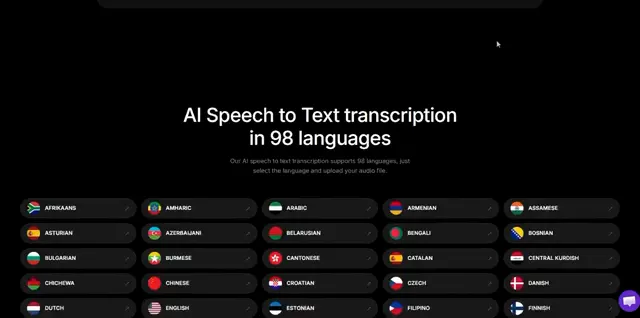
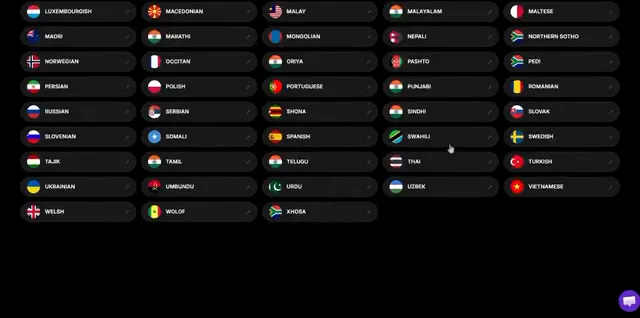
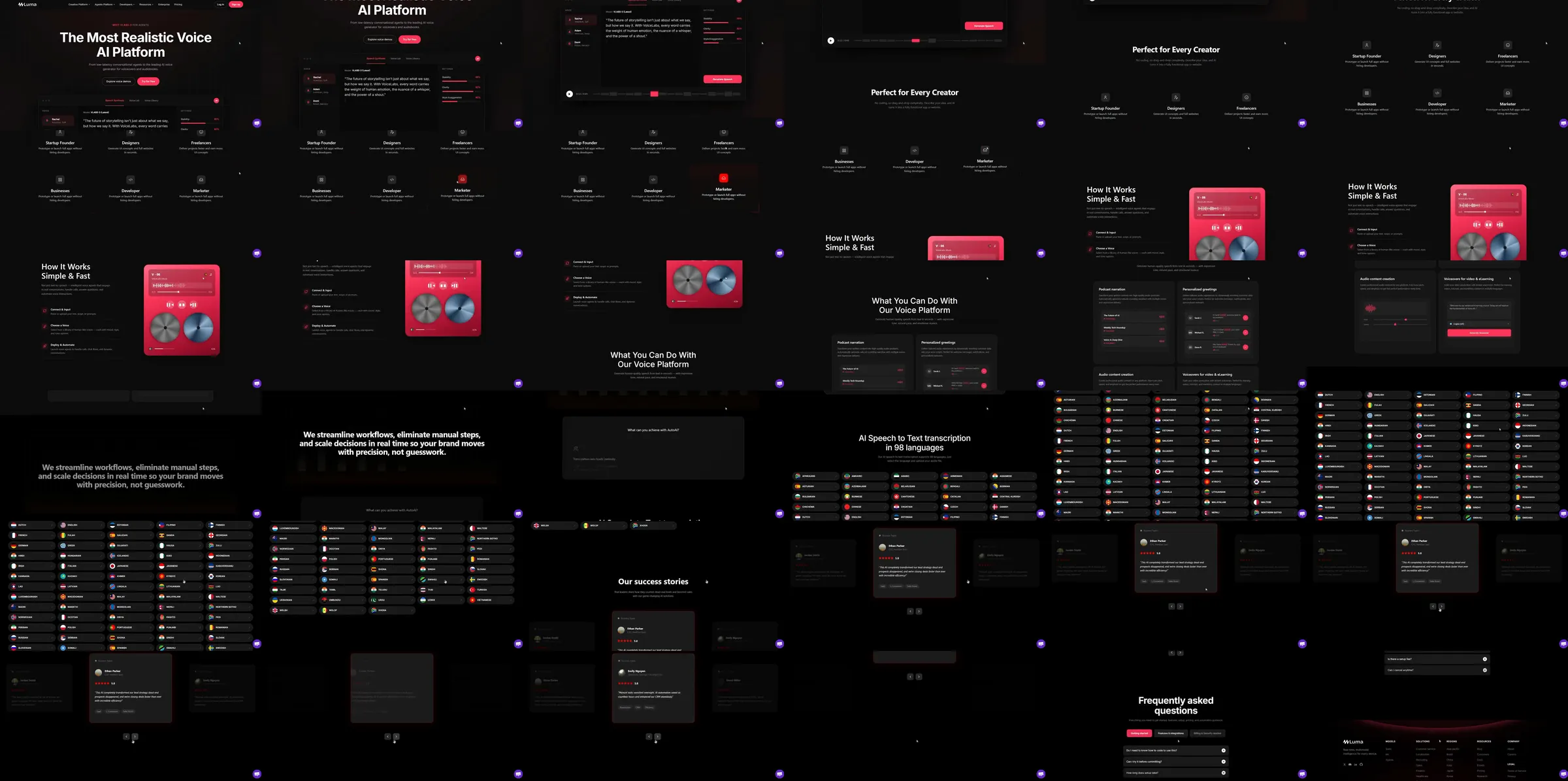
Jiro template reference. A voice-AI landing keeps its audio controls and waveform-like UI on black, accented with red-pink buttons. Creator-use icons, a process section with a red reel-style illustration, workflow capability lists, a dense language grid and customer story cards follow.
Section roster
1. Voice-AI headline and audio interface. 2. Creator-use icon grid. 3. Process and red audio illustration. 4. Workflow capability lists. 5. Language and transcription grid. 6. Customer story cards. 7. Questions. 8. Dark footer.
Why it works
Red audio controls remain recognizable across the opening and later process panel. The large language grid makes the product’s claimed breadth legible while the dark surface keeps the visual language consistent.
Source capture notes
[Jiro template page](https://jiro.build/templates/ai-creative-media-tools/ai-voice-platform-landing-page-luma), [public live preview](https://jiro.build/preview/template/ai-creative-media-tools/ai-voice-platform-landing-page-luma), and [original preview video](https://cdn.jiro.build/Luma/Video/AI%20Voice.mp4); checked on 2026-10-14. Capture 1 samples 36 frames from the supplied preview recording. Capture 2 measures and samples the public template preview itself, excluding catalogue navigation, with a fresh 390px mobile screenshot. A 15-second motion excerpt at original playback speed with eight timestamped evidence frames is associated with capture 1.
Audio synthesis, transcription quality, language support and plan claims were not tested; the controls and language grid are retained as visual template evidence.
These are template demonstrations and visual references, not verified businesses or services. No template source code was imported. Exact easing, trigger timing and reduced-motion behavior were not measured.