← back to the gallery
Signova: signature-tool landing with colorful document cards
- Tier
- inspiration
- Roles
- hero, feature, process, capability, offer, testimonial, faq, footer
- Feel
- light, editorial, playful, warm
- Motion
- pan, reveal, drift, marquee
- Source
- public-site
- Site
- https://jiro.build/preview/template/productivity-automation/ai-pdf-signing-tool-landing-page-signova
- Licence
- Public Jiro template preview; inspiration only. Retained images and short preview excerpts are visual-reference evidence; template code/assets are not imported or licensed for reuse.
- Captured
- 2026-10-14
- Captures
- frames: https://cdn.jiro.build/Signova/Thu]/AI%20PDF%20Signing%20Tool%20Landing%20Page%20Hover%20Video%20-%20Signova.mp4
both: https://jiro.build/preview/template/productivity-automation/ai-pdf-signing-tool-landing-page-signova
What it does
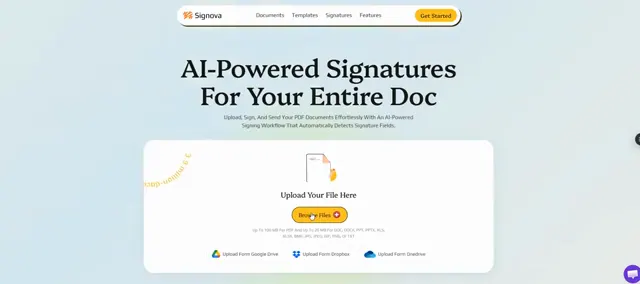
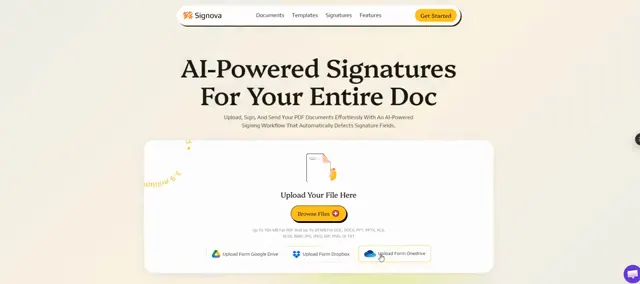
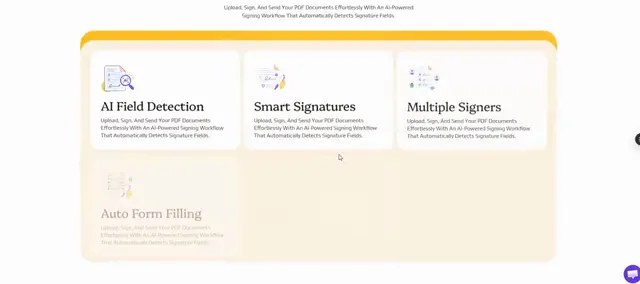
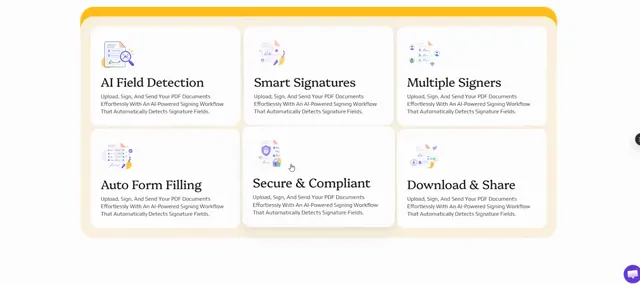
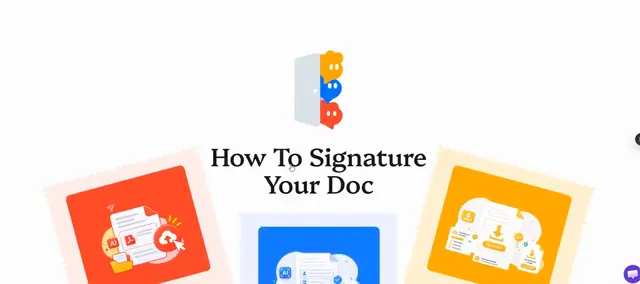
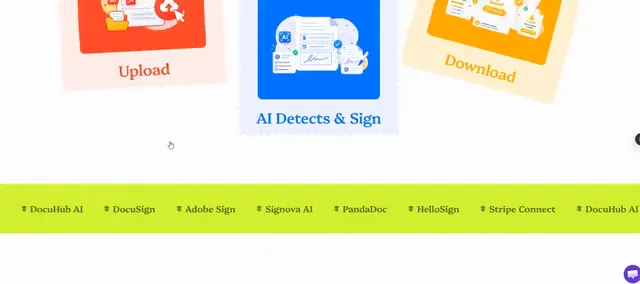
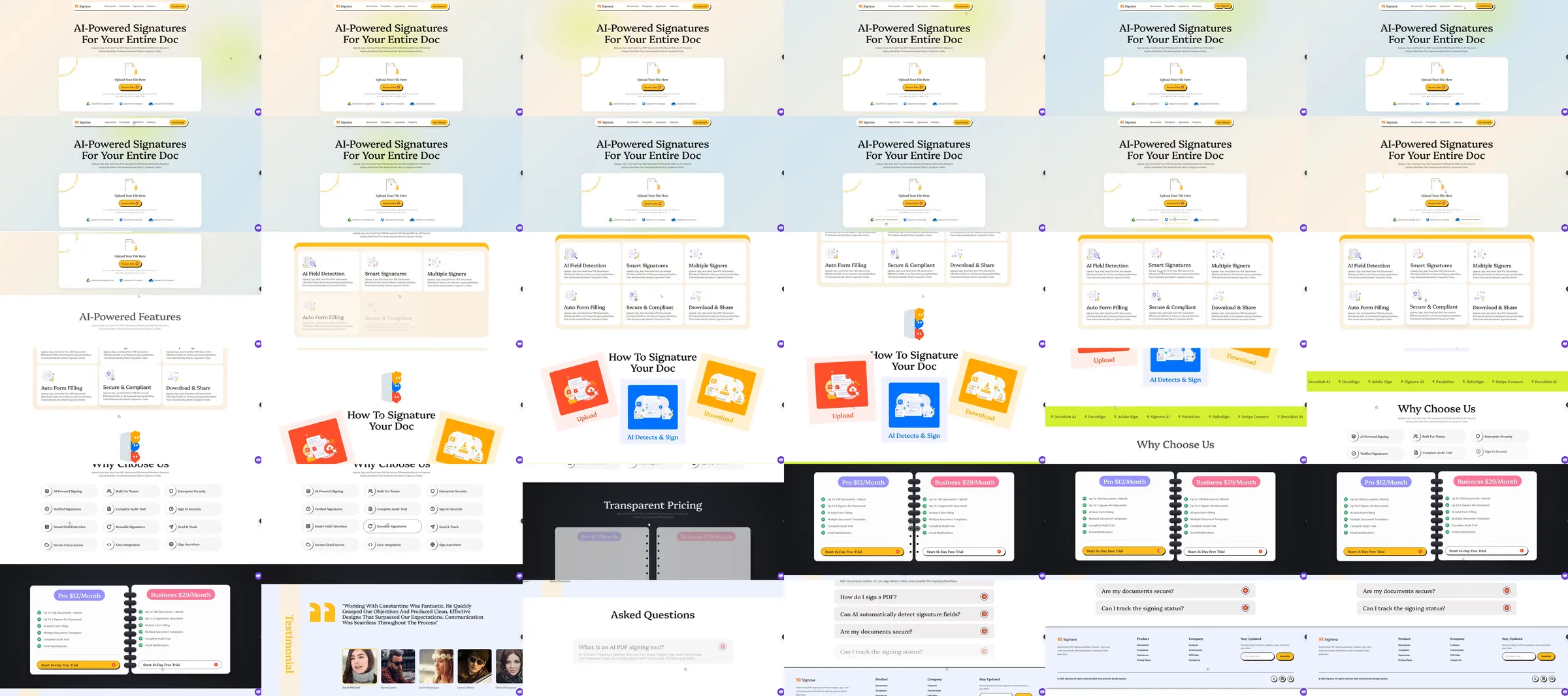
Jiro template reference. A signature-tool page opens with a serif headline above a compact document action panel. Rounded benefit cards, bright red, blue and yellow signature documents, a lime separator, feature lists and two pricing columns follow.
Section roster
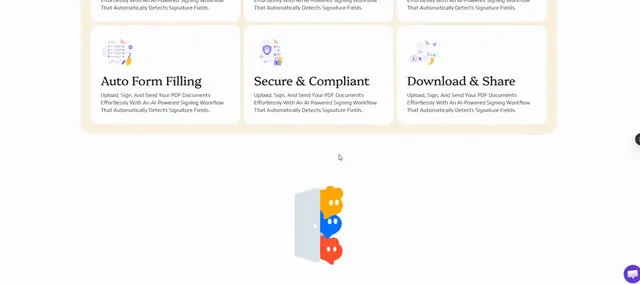
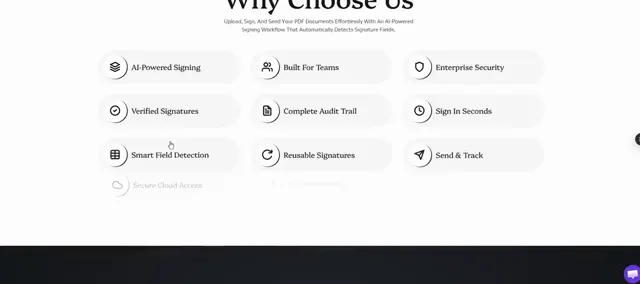
1. Centered signature hero. 2. Six benefit cards. 3. Colorful signature document sequence. 4. Lime text separator. 5. Capability list. 6. Two pricing columns. 7. Portrait testimonial strip. 8. Questions. 9. Footer.
Why it works
Document cards translate an abstract signing service into a memorable physical metaphor. The serif opening and warm canvas soften the otherwise compact utility layout.
Source capture notes
[Jiro template page](https://jiro.build/templates/productivity-automation/ai-pdf-signing-tool-landing-page-signova), [public live preview](https://jiro.build/preview/template/productivity-automation/ai-pdf-signing-tool-landing-page-signova), and [original preview video](https://cdn.jiro.build/Signova/Thu]/AI%20PDF%20Signing%20Tool%20Landing%20Page%20Hover%20Video%20-%20Signova.mp4); checked on 2026-10-14. Capture 1 samples 36 frames from the supplied preview recording. Capture 2 measures and samples the public template preview itself, excluding catalogue navigation, with a fresh 390px mobile screenshot. A 15-second motion excerpt at original playback speed with eight timestamped evidence frames is associated with capture 1.
The provider video URL contains a literal closing bracket in its directory name; the original URL is retained. The excerpt begins after the prolonged opening hold and includes the transition into document features. Signing and payment operations were not tested.
These are template demonstrations and visual references, not verified businesses or services. No template source code was imported. Exact easing, trigger timing and reduced-motion behavior were not measured.