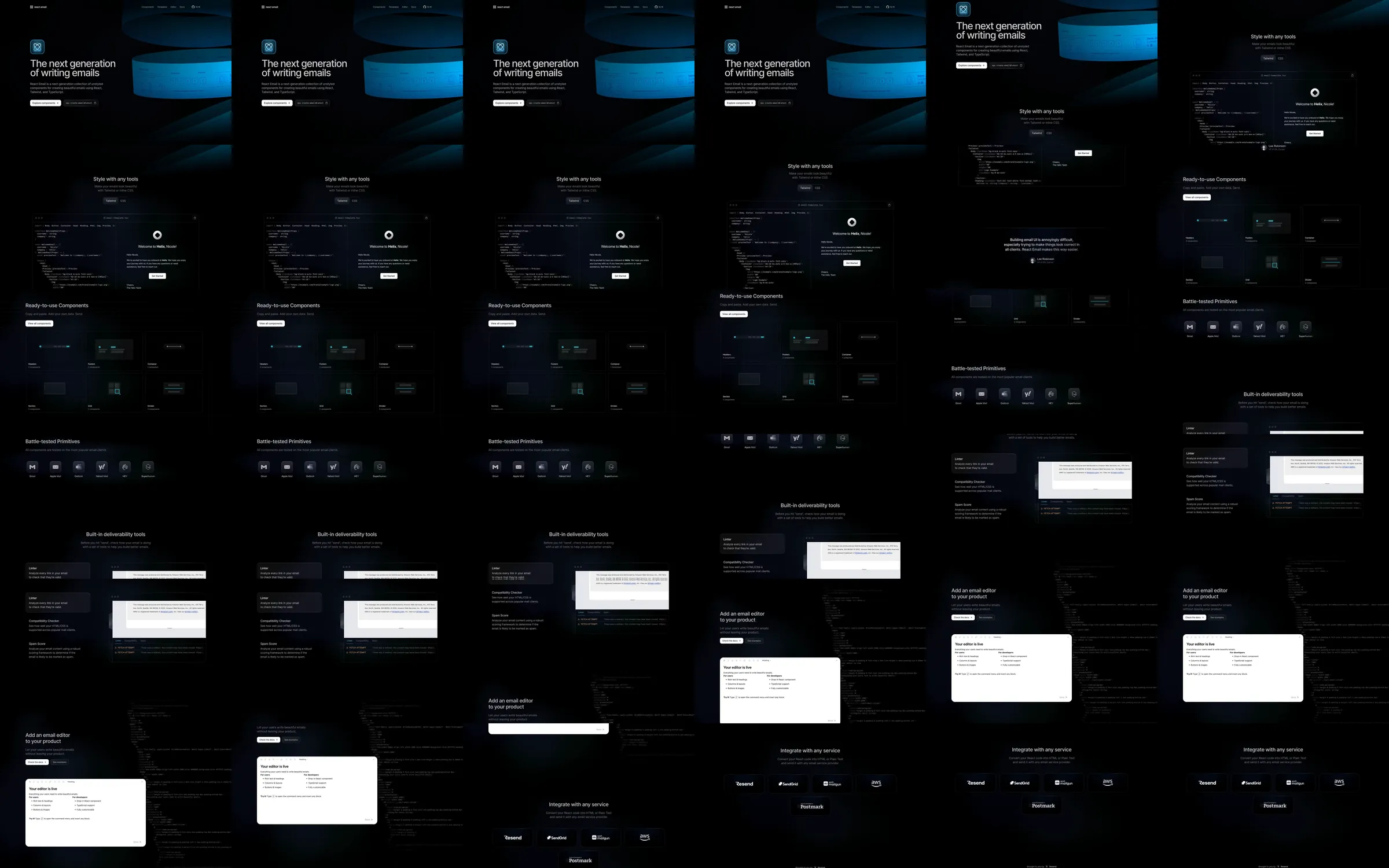
React Email pairs a black developer-oriented page with a broad blue ribbon carrying component imagery. Dark code panels and pale rendered-email examples explain the component, accessibility and editor workflow.
1. Split introduction and blue component ribbon. 2. Utility and code demonstration. 3. Ready-to-use component examples. 4. Provider icon row. 5. Accessibility examples. 6. Email editor preview. 7. Integration links and footer.
The ribbon makes the technical opening distinctive while code and rendered output provide concrete examples. Pale email previews supply contrast against the black canvas and connect the toolkit to familiar results.
Refero [style page](https://styles.refero.design/style/9905b62f-007b-4b3a-9357-84e85c07ef96) and [recorded video](https://images.refero.design/styles/refero.design/video/767a89e7-cddd-4b11-8f85-b91a3d836141.mp4); [live site](https://react.email/) checked on 2026-10-05. The recording is a point-in-time reference; current site content may differ. Descriptions distinguish the recording from the current page where they differ. Layout and motion notes come from sampled recording frames and automated live captures; interactive controls were not comprehensively tested. The live page retains the blue ribbon with updated navigation. Installation commands, email sending, component editing and provider integrations were not executed.