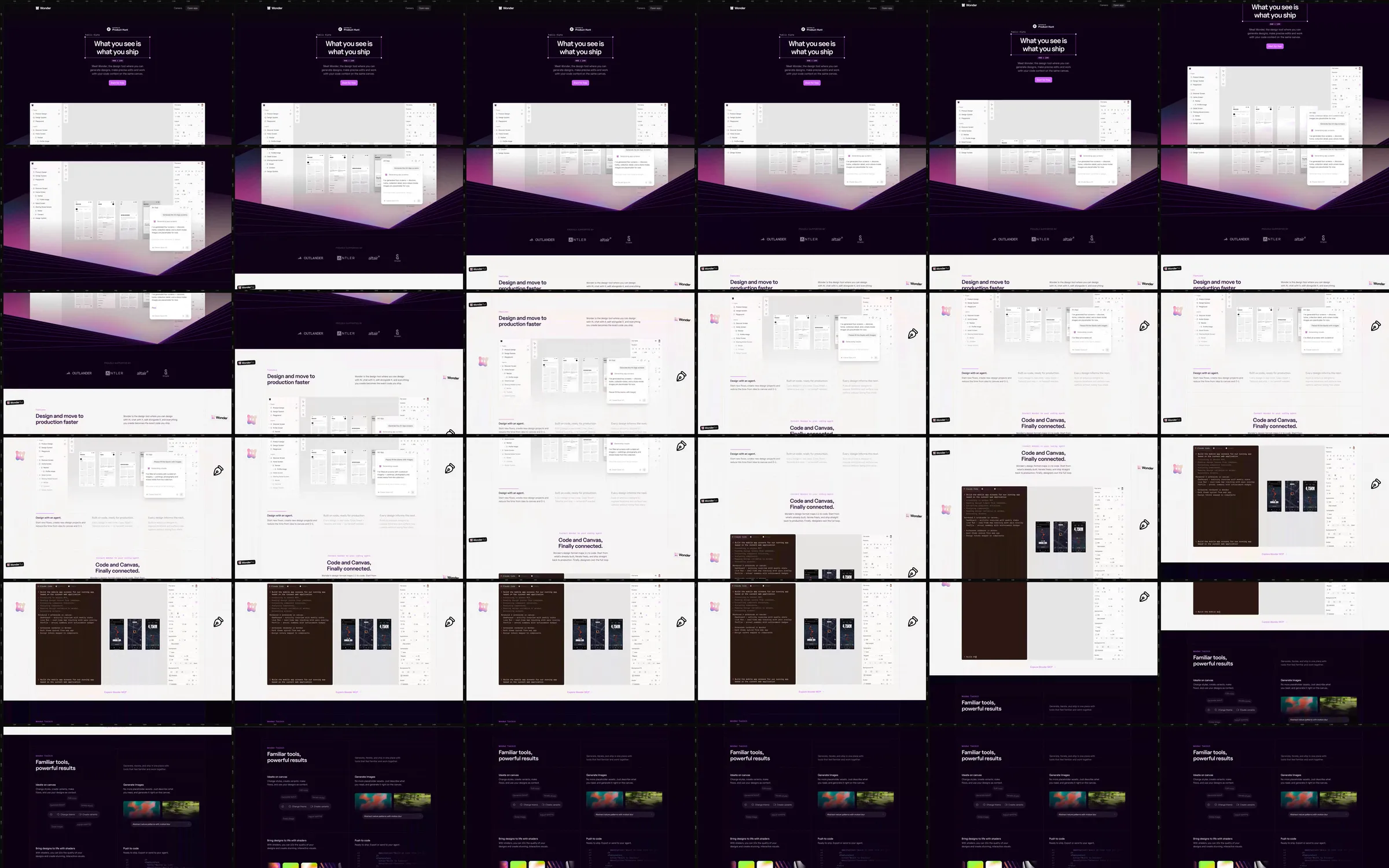
A small white statement on deep plum introduces a large browser-like design canvas above a receding grid. White explanatory blocks show the builder interface, a code panel and phone previews. A dark technical section continues the tool presentation near the end of the recording.
1. Plum introduction and perspective canvas. 2. White builder-interface explanation. 3. Code example and phone previews. 4. Dark technical capability section.
The grid and large canvas establish a spatial design-workspace metaphor. Alternating dark presentation surfaces and white explanations keep the interface examples readable.
Refero [style page](https://styles.refero.design/style/c81d2be0-05b7-4755-8046-f2d19fbc448c) and [recorded video](https://images.refero.design/styles/refero.design/video/168792b8-c96d-4cfc-b8f2-621f46d1c5c0.mp4); [live site](https://wonder.design) checked on 2026-10-06. The recording is a point-in-time reference; current site content may differ. Descriptions distinguish the recording from the current page where they differ. Layout and motion notes come from sampled recording frames and automated live captures; interactive controls were not comprehensively tested. The current opening emphasizes moving designs into production and uses a darker canvas with ruler marks and a selection-box headline. The roster covers the recorded opening and feature sections.